
How to Search Santa Cruz County Court Records
Santa Cruz County court records are searched through the Online Case Information portal, run on Tyler Technologies software for the Superior Court. The portal home page offers three tools. Smart Search looks up a case by number or party name. Search Hearings finds calendar and docket entries. Make Payments handles criminal and traffic balances. Anyone can run a search. You do not need an account, and registration is reserved for law enforcement and justice agencies. Cases filed after June 1985 appear in the portal. Older files may need in-person microfiche research at the Records Department.
Before you start, gather a few details. The case number gives the fastest result. If you do not have it, use a full or partial party name in Last, First format, such as SMITH, JOHN. The search is not case-sensitive, and partial names return more matches.
- Open the Santa Cruz Court Portal and choose Smart Search.
- Type a case number, or enter a party name in Last, First format.
- Open Advanced Filtering Options to narrow by case type, status, or file date.
- Review the result list and open the case summary for parties and hearings.
- Request a certified copy from the Records Division if you need an official document.
The official Case Lookup page from the Superior Court case lookup guide explains the same steps and links straight to the portal.
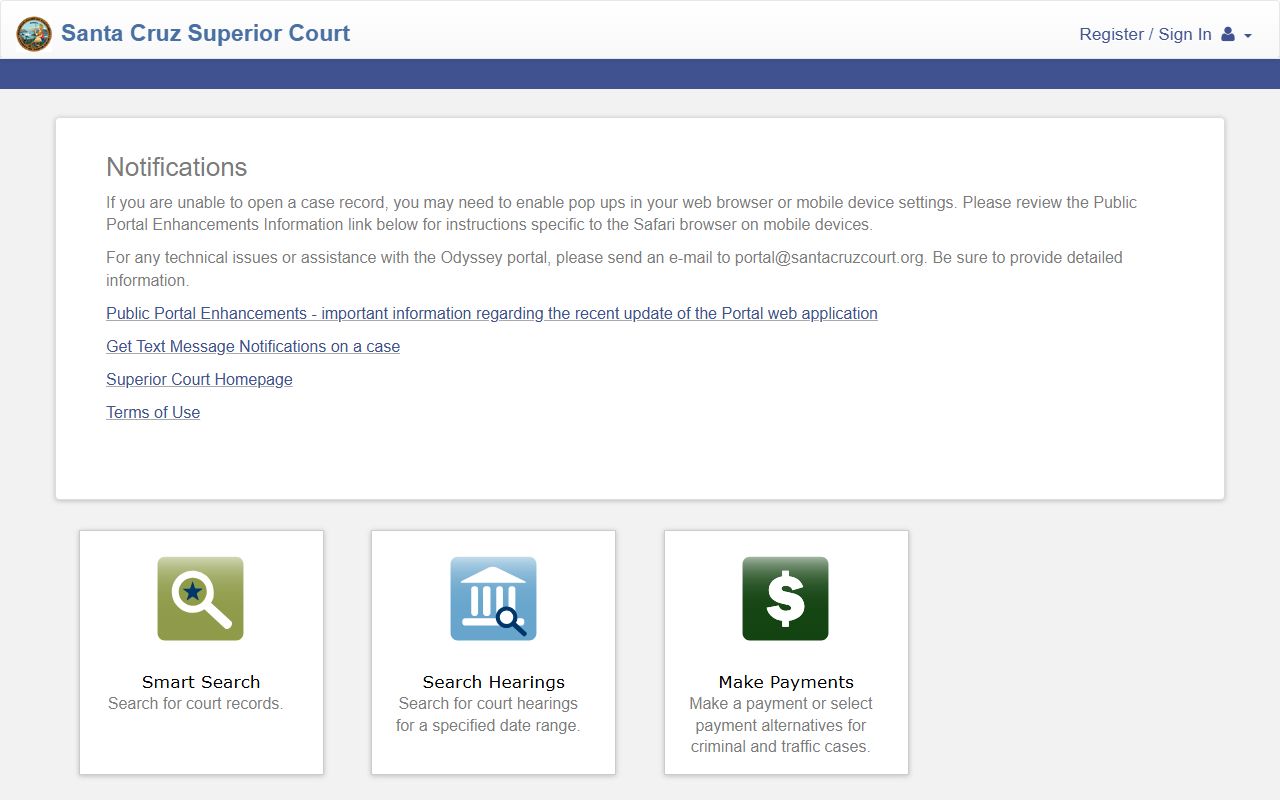
The landing page groups every public search and payment tool in one place, so most users start their Santa Cruz County court records search right here.
The Smart Search form accepts more than a dozen fields. The most useful ones are listed below, taken from the live portal.
| Field Label | Type | Required | Notes / Format |
|---|---|---|---|
| Record Number or Name | Text | Yes for simple search | Accepts a case number or a name in Last, First Middle format. |
| Last Name | Text | Conditional | Used when the advanced party search is open. |
| First Name | Text | Conditional | Pairs with the last name field. |
| Filter by Search Type | Dropdown | Optional | Pick Business Name to search a company. |
| Filter by Case Type | Dropdown | Optional | Narrows results to one record type. |
| Filter by Case Status | Dropdown | Optional | Open or closed status. |
| File Date Start | Date | Optional | Start of a filing date range. |
| File Date End | Date | Optional | End of a filing date range. |
The Smart Search screen shows these fields and the advanced filters.
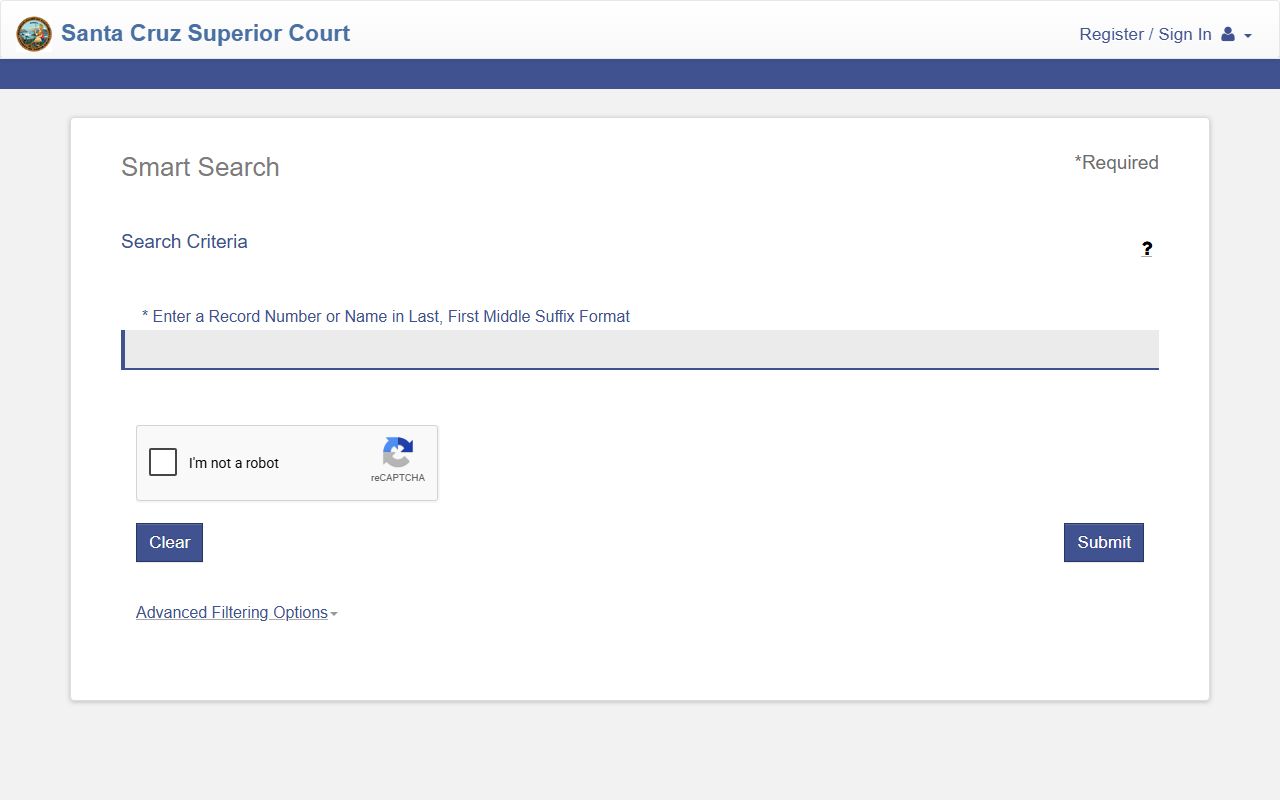
Expanding the advanced options lets you add a phone number, booking number, or date range to tighten a broad name search.
The Santa Cruz County Judicial System
California uses one trial court per county. In Santa Cruz County that court is the Superior Court of California, County of Santa Cruz. It hears criminal, civil, family, probate, juvenile, mental health, small claims, and traffic cases. There is no separate county court or district court the way some other states use those terms. Voters unified California's trial courts in 1998, which folded older municipal courts into a single countywide Superior Court.
Appeals follow a clear path. A party who loses in Santa Cruz Superior Court usually appeals to the Court of Appeal, Sixth Appellate District. The California Supreme Court sits above that and takes cases at its discretion. The chart below shows where each level fits.
Case flow: Superior Court of Santa Cruz County › Court of Appeal, Sixth District › California Supreme Court
| Court | Level | What It Hears |
|---|---|---|
| Superior Court of Santa Cruz County | Trial court | Criminal, civil, family, probate, juvenile, traffic, small claims |
| Court of Appeal, Sixth District | Intermediate appeals | Appeals from Santa Cruz Superior Court cases |
| California Supreme Court | Highest state court | Discretionary review and death-penalty appeals |
The Superior Court groups its work into divisions. The court divisions page lists civil, criminal, family, juvenile, probate, records, small claims, and traffic.
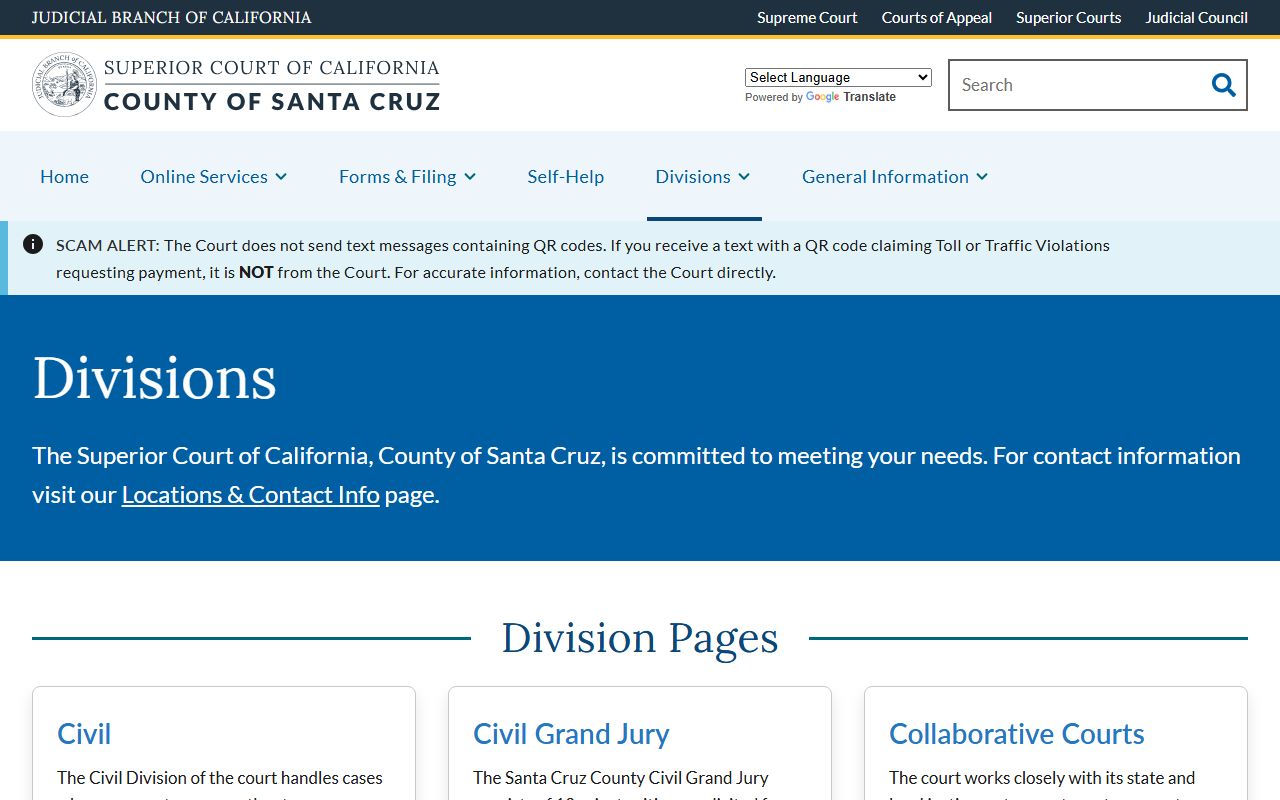
Each division page lists its own clerk room, hours, and contact email, which helps when you need to reach the right Santa Cruz County court office.
Santa Cruz County Courthouses
The court runs two public locations. The Santa Cruz Courthouse on Ocean Street is the main site. It houses civil, probate, appeals, criminal, traffic, and the Records Division. The Watsonville Courthouse serves the south county. It handles Family Law and Small Claims, and all county small claims cases are filed and heard there. Clerk offices in Santa Cruz are open 8:00 a.m. to 3:00 p.m., while phones are answered 8:00 a.m. to 1:00 p.m. Monday through Friday.
The court locations and contact page lists both addresses, parking rules, and a full department email directory.
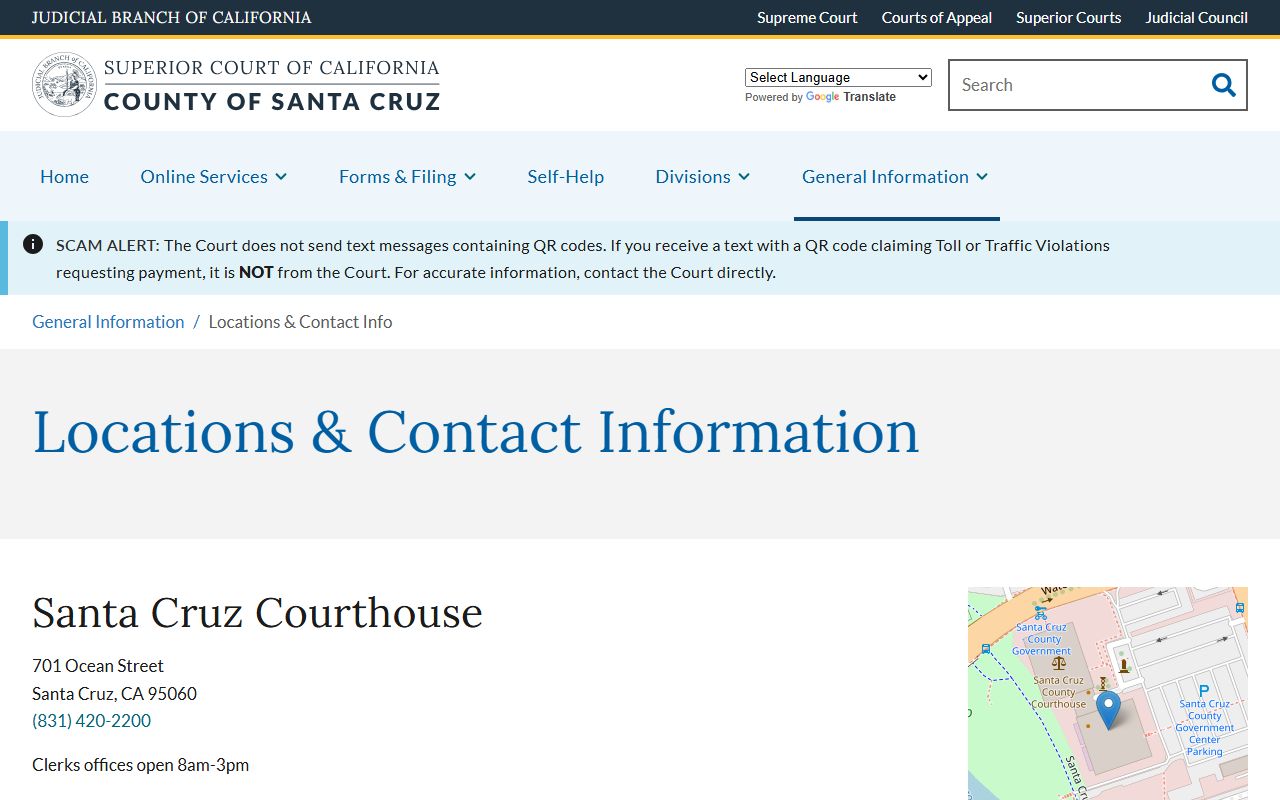
Use that page to confirm which building holds your case before you drive over, since family and small claims files sit in Watsonville, not Santa Cruz.
Records Division
701 Ocean Street, Room 110
Santa Cruz, CA 95060
(831) 420-2200
The two courthouses split the work, so a quick check of which building holds your case type saves a wasted trip. The comparison below sums up the split.
| Case Type | Santa Cruz Courthouse | Watsonville Courthouse |
|---|---|---|
| Criminal and traffic | Yes, Room 120 | Limited clerk access |
| Civil and probate | Yes, Room 110 | No |
| Family law | No | Yes |
| Small claims | No | Yes, filed and heard here |
Types of Court Records Available in Santa Cruz County
Santa Cruz County court records cover the full range of cases the Superior Court handles. Each record type is created by a different division, and a few carry extra access limits set by California law. The portal indexes all of them, but online document viewing is broader for some types than others.
The Superior Court home page links each division and its public services.
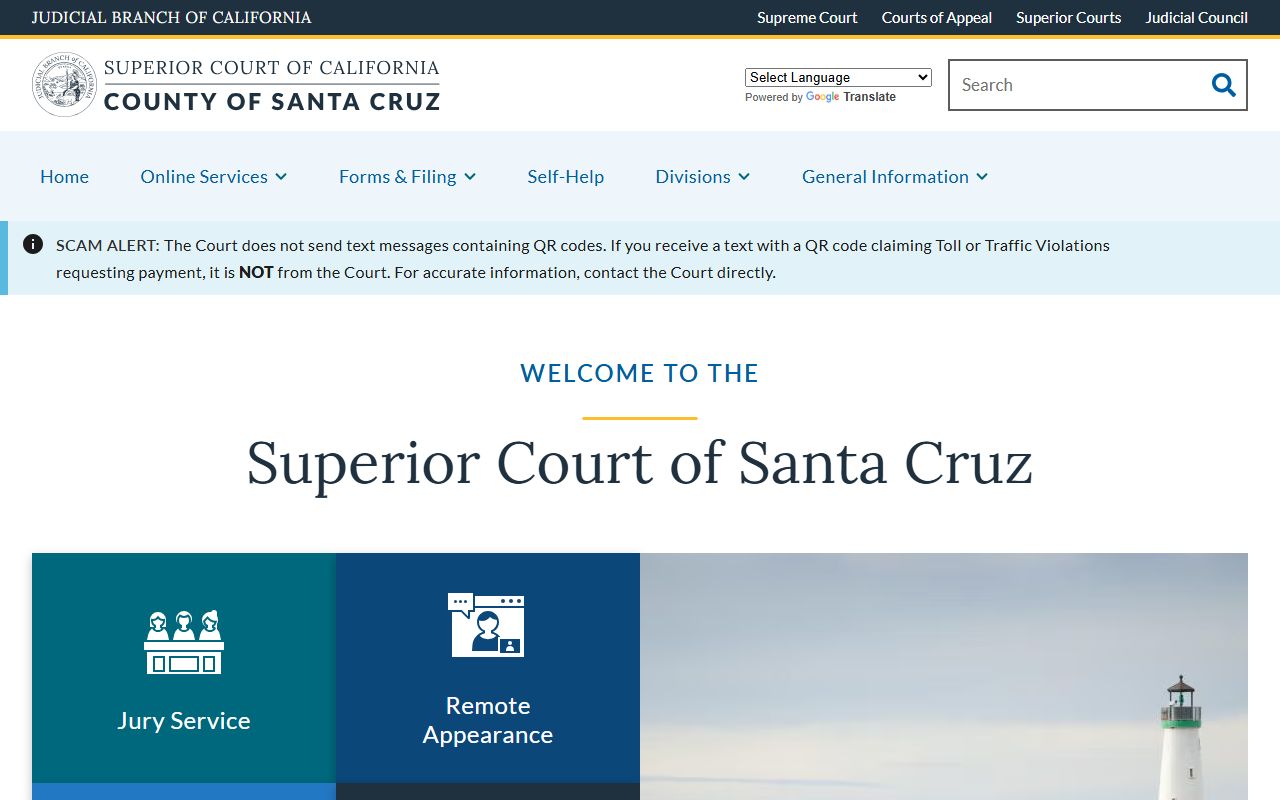
From that page you can reach case lookup, jury duty, remote appearance, and payment tools for Santa Cruz County court records.
- Criminal records - Felony, misdemeanor, and infraction case files from the Criminal Division.
- Civil records - Lawsuits, name changes, evictions, and judgments.
- Family and divorce records - Dissolution, custody, and support, handled at Watsonville.
- Probate records - Estates, trusts, conservatorships, and guardianships.
- Traffic records - Vehicle Code violations, infractions, and payment status.
What Santa Cruz County Court Records Show
A court record holds the facts of a case from filing to disposition. The portal exposes header fields at the search level and more detail once you open a case. The table lists the fields you are most likely to see in a Santa Cruz County court record.
| Field | What It Shows |
|---|---|
| Case Number | The unique ID the clerk assigns at filing. |
| Filing Date | The date the case opened with the court. |
| Parties | Plaintiff, defendant, petitioner, or respondent names. |
| Charges / Cause | The charged code sections or the civil cause of action. |
| Disposition | The result, such as dismissed, convicted, or judgment entered. |
| Hearings | Scheduled dates, courtroom, and judicial officer. |
The case lookup instructions spell out the name and number formats the portal accepts.
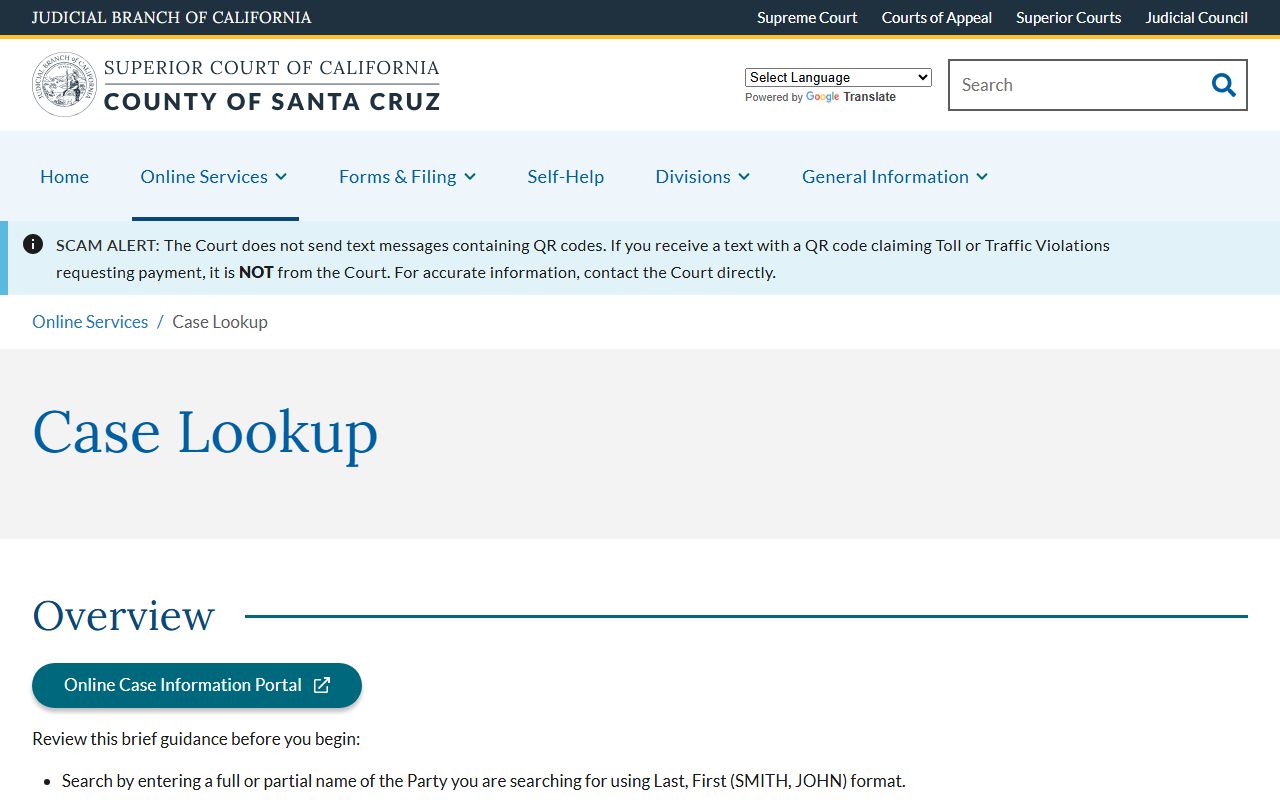
The court reminds users that online documents are limited for some case types, so a courthouse kiosk may show more than the public portal does.
Public Access Laws for Santa Cruz County Court Records
Court records in Santa Cruz County are presumed open. The Records Division states that the public has reasonable access to view and copy court files unless a record is confidential by statute or sealed by a judge. Agency records held by the Sheriff, Recorder, and County Clerk fall under a separate law, the California Public Records Act. Court case files instead follow the California Rules of Court and the statutes that control specific case types.
A handful of rules and codes shape what you can see, where, and how. The key ones are summarized in plain English below.
Key Statutes and Rules:
California Government Code § 7920.000 - The Public Records Act opens most state and local agency records unless an exemption applies.
California Rules of Court, rule 2.500 - Sets the framework for public access to trial court records.
California Rules of Court, rule 2.503 - Limits remote online access to family, juvenile, and other sensitive records.
California Penal Code § 1203.4 - Lets some people dismiss a past conviction, often called expungement.
Records That Are Restricted or Confidential
Not every file is open. California law shields several record types from full public view. Juvenile delinquency and dependency files are restricted under Welfare and Institutions Code section 827. Family law documents have limited remote access under California Rules of Court rule 2.503. The Santa Cruz Records page also keeps restraining orders, probate documents, mental health matters, and minor compromise petitions out of online document viewing, even when basic case data is searchable.
To view a sealed record, a person usually must be a party or ask the court to unseal it. Confidential case access requires government-issued photo identification. For criminal record relief, eligibility depends on the charge, sentence, and supervision status, so the Criminal Division or a clean-slate program is the right first stop.
Specialty Courts in Santa Cruz County
Santa Cruz Superior Court runs a set of collaborative courts that aim to cut repeat offenses and connect people with treatment. Behavioral Health Court is a post-plea review court for people with serious mental illness and co-occurring substance use, run with County Behavioral Health Services. Intensive Support Court works before a plea and focuses on mental health diversion. Veteran Court offers alternative sentencing for veterans with service-related conditions under Penal Code sections 1170.9 and 1001.80.
Family Preservation Court is a voluntary program in dependency cases that helps parents address substance use and reunify with their children. Referrals come from probation, parole, county mental health, and treatment providers. These programs are voluntary, and each has its own eligibility list.
Santa Cruz County Sheriff and Jail
The Santa Cruz County Sheriff's Office, led by Sheriff Chris Clark, runs four corrections facilities. The Main Jail on Water Street handles booking and reception. Blaine Street, Rountree, and the Rehabilitation and Reentry Facility hold other populations. The Sheriff also publishes a public Web Jail Viewer and an active arrest warrant search, which is unusual among California counties.
For the full custody roster, booking details, and visiting rules, see Santa Cruz County inmate records. To check active warrants, use warrant records. The released inmates page covers release dates and reentry support.
Marriage, Divorce, and Probate Records
Three record types sit partly outside the regular case portal. Marriage licenses come from the County Clerk, and public marriage certificates are recorded by the County Recorder. Divorce files are family law cases handled at Watsonville. Probate covers estates and guardianships. For details and fees, see marriage and divorce records and probate records. A few probate terms come up often.
- Testator
- The person who made a will.
- Executor
- The person named to carry out a will.
- Conservator
- An adult the court appoints to manage another adult's care or finances.
- Guardian
- A person given court authority over a minor or a minor's estate.
Santa Cruz County Court Records Fees
The Records Division charges set fees for copies and searches. Small counter requests may be free, but staff searches over ten minutes carry a fee. Certified copies cost more because they include the court seal. Payment is by cash for completed counter requests, or by check, money order, or credit card, with an added card fee of about two percent.
| Item | Amount |
|---|---|
| Photocopy per page | $0.50 |
| Certification per document | $40.00 |
| Records search over 10 minutes | $15.00 |
| Exemplified copy | $50.00 |
| Criminal standard packet | $47.00 |
| Certified dissolution copy | $15.00 plus copy fee |
The copy request page lists every fee and the three ways to submit a request.
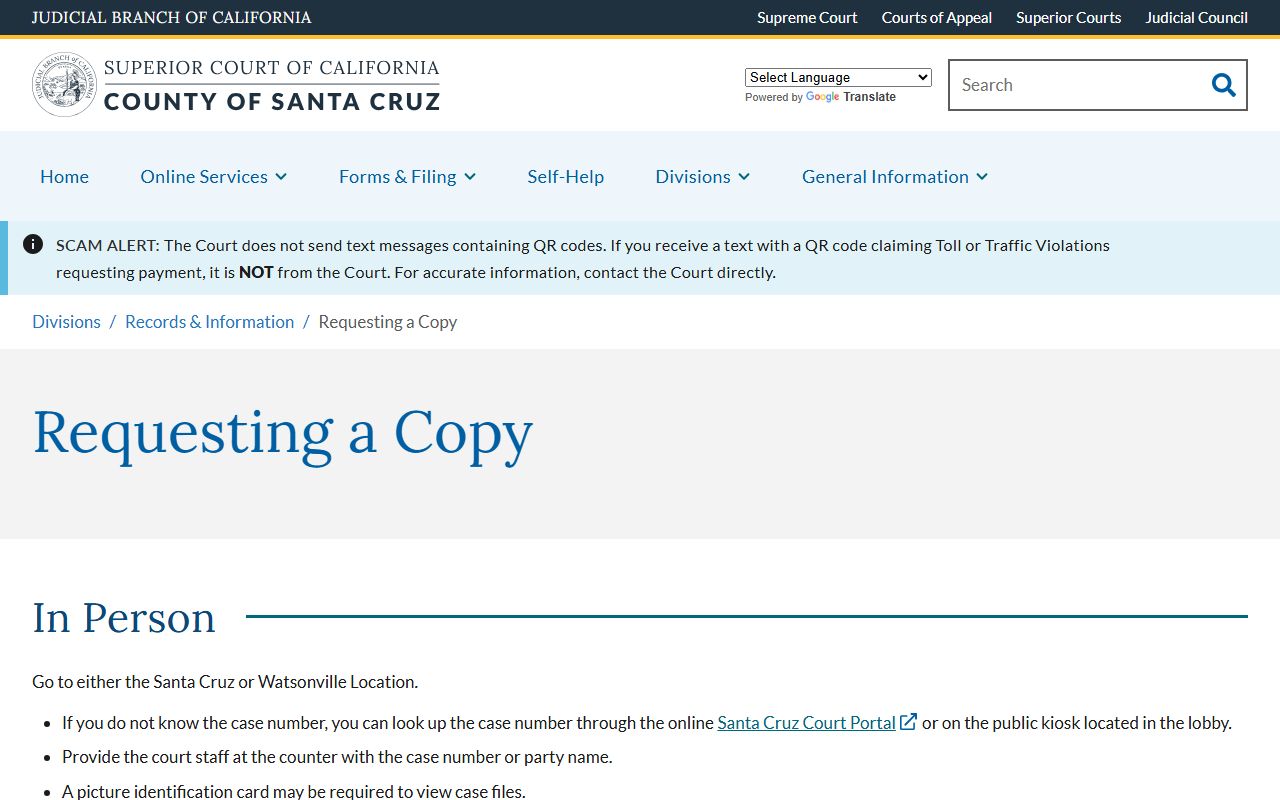
You can submit a copy request in person, by mail to Room 110, or by email with a credit-card authorization form.
To pay a fine or fee on a criminal or traffic case, use the portal payment tool instead of the copy form.
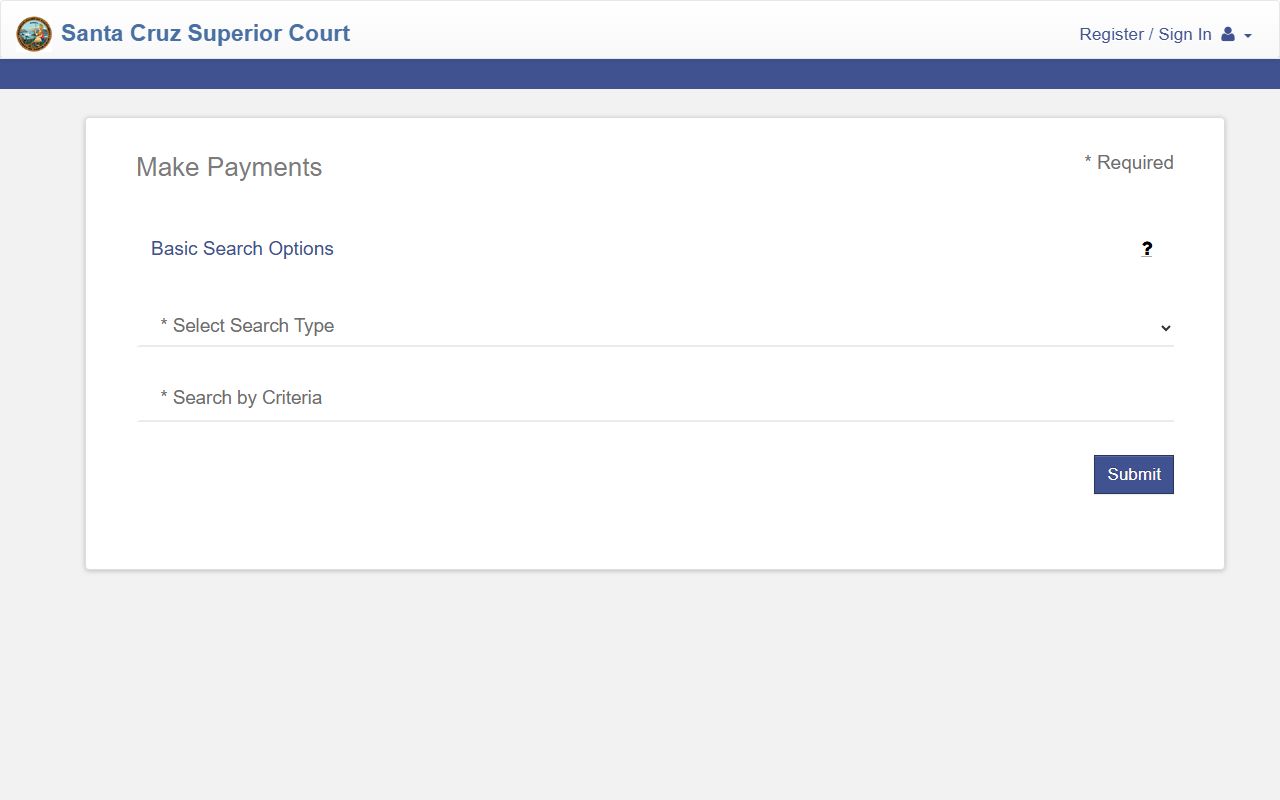
The Make Payments tool searches by summons number, case number, party name, or driver's license to post a payment.
How to Interpret Santa Cruz County Court Records
Court files use shorthand that can confuse first-time users. A charge is only an accusation. A conviction is a finding or plea of guilt. A disposition is the outcome. "Dismissed with prejudice" means the case cannot be refiled, while "without prejudice" means it can. Bench warrants are issued by a judge, often for a missed appearance.
Hearing data lives in a separate tool. The Search Hearings screen lets you filter by division, judicial officer, courtroom, and date range.
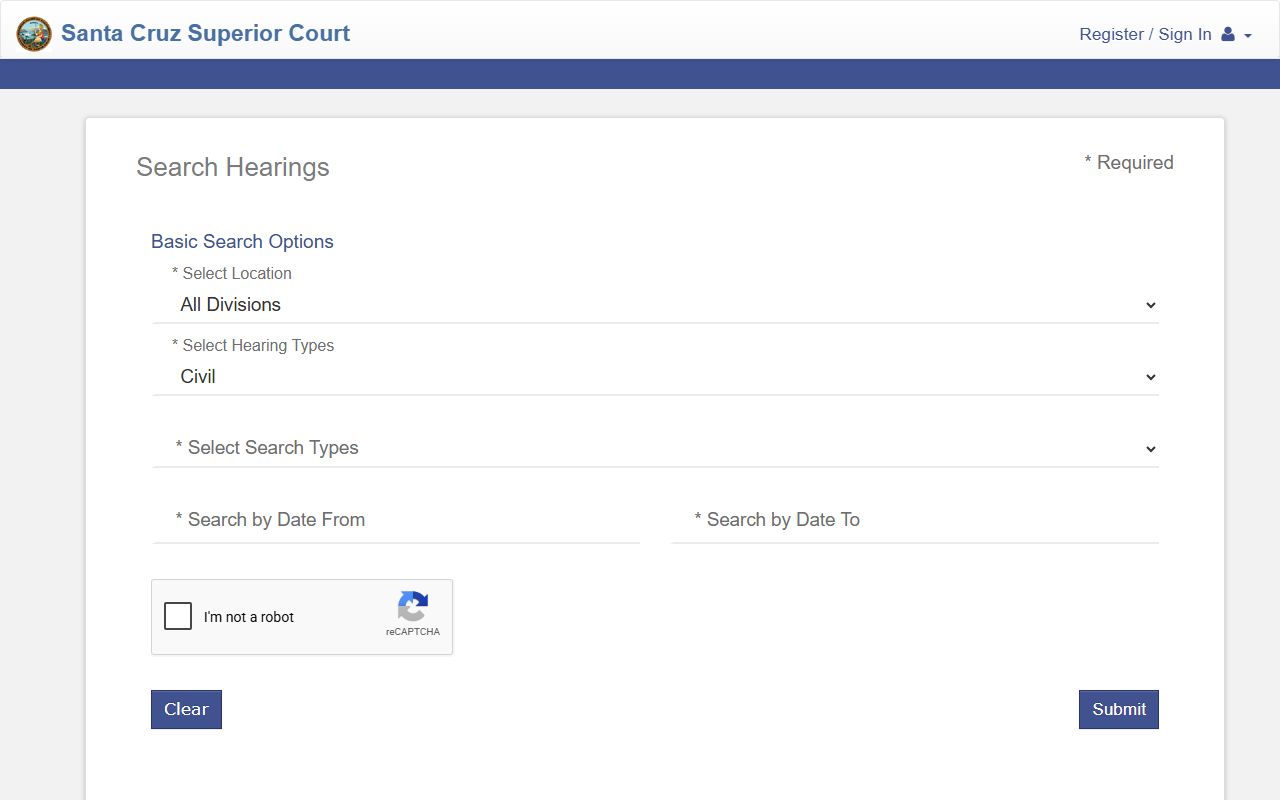
Reading the docket alongside the case summary gives the clearest picture of where a Santa Cruz County court case stands.
Accuracy and Record Limitations
Online court data can lag behind the courthouse. New filings may post the same day, while older files sometimes need storage retrieval. The Sheriff warns that warrant status may change before the database updates. Always treat the portal as a starting point, not the final word, for any legal decision.
Note: Confirm any name, date, or disposition with the Records Division before you rely on an online Santa Cruz County court record.
History of Santa Cruz County Courts
California voters changed the state Constitution in 1998 to let each county's judges merge their trial courts. That reform created the single countywide Superior Court that Santa Cruz County uses today, replacing older municipal courts. The split between the Santa Cruz Courthouse and the Watsonville Courthouse still reflects the county's coastal geography, with the Pajaro Valley served from the south. Records also mark the technology shift: files before June 1985 may still sit on microfiche and require in-person research, while newer cases live in the online portal.
Self-Help and Legal Aid Resources
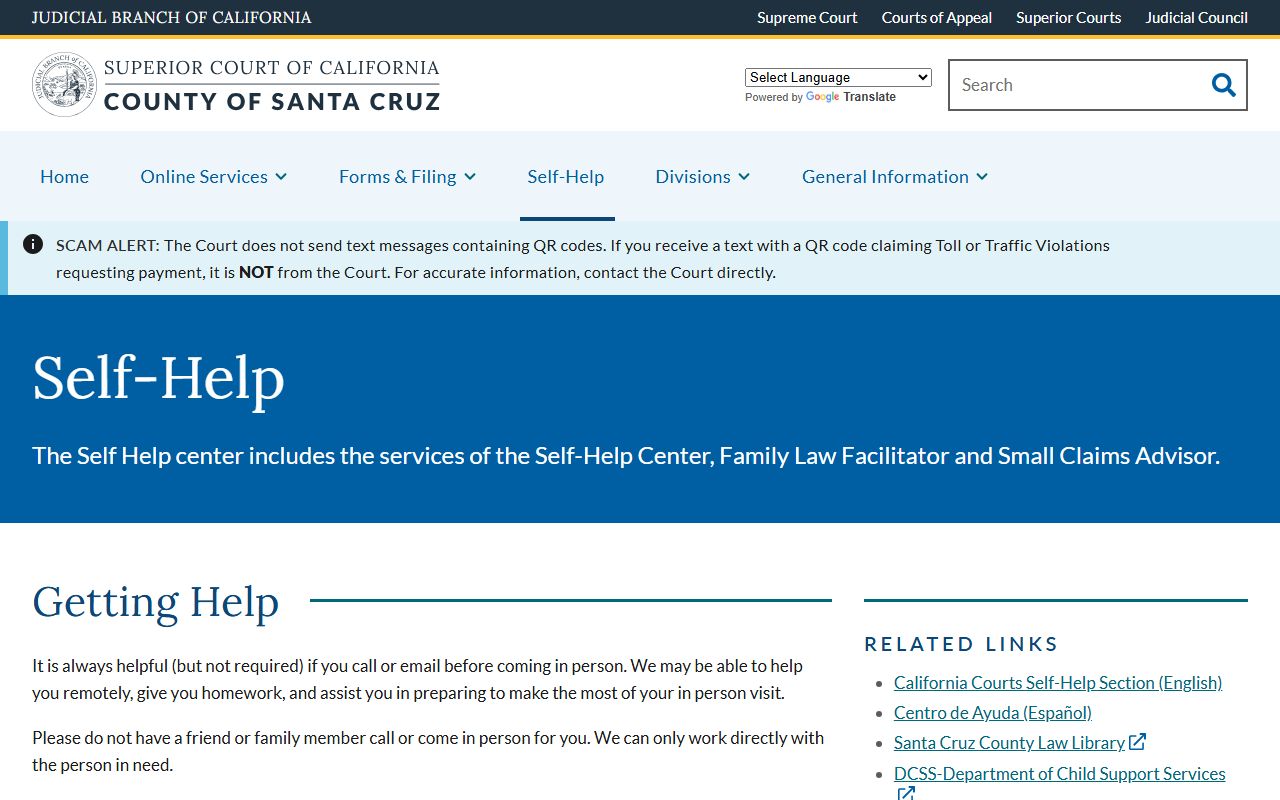
People without a lawyer have free help in Santa Cruz County. The court runs a Self Help Center at the Watsonville Courthouse, Room 301, reachable at (831) 786-7200 option 4. It offers forms, fee waiver guidance, and File @ Home tools in English and Spanish. The County Law Library sits in the basement at 701 Ocean Street.
The Self Help Center page links the statewide self-help site, child support help, and immigration resources.
Staff return calls within 72 hours, so plan ahead if a filing deadline is close.
Frequently Asked Questions
How do I search Santa Cruz County court records?
Use the Superior Court Case Lookup page and open Online Case Information. Search by case number, or by party name in Last, First format. Partial names work, and the search ignores case. Cases opened before June 1985 may need in-person research at the Records Department or a public kiosk.
Are Santa Cruz County court records public?
Yes, in most cases. The Records page says court files are presumed open unless a statute makes them confidential or a judge seals them. Confidential cases are limited to the parties and require government photo identification. Online document access is narrower than what you can view at the courthouse.
Can I view case documents online?
Sometimes. Public online document access is available for civil cases but not for restraining orders, probate, family law, or minor compromise petitions. Attorneys of record can view more case types after logging in. For other files, use a public kiosk in Santa Cruz or Watsonville.
More answers are on the Santa Cruz County court records FAQ page.